
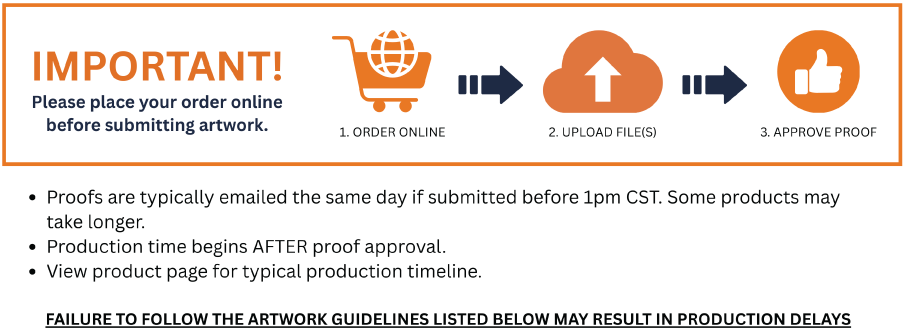
ARTWORK GUIDLINES
Acceptable File Formats (High Res PDFs Preferred)
- .jpg
- .tiff
- InDesign not supported
Art Specification
- Please build art files exactly to the template dimensions provided.
- DO NOT add additional bleed
- DO NOT include cropmarks
- Remove all template layers
- Convert all text to outlines (DO NOT include font folder)
- Embed all linked images (DO NOT include links folder)
- Rasterized art should be 150dpi AT PRINT SIZE (200 dpi for templates at 1/2 size)
- PMS color matching MUST be requested at the time of order with detailed notes. PMS color matching WILL increase production time.
- We can only color match PMS Solid Coated Colors
- Custom color pallets will be printed CMYK as is
- Include order number in dialogue box
- Files over 700mb may be rejected.
- Files with missing links (not embeded) and/or live text (not converted to outline) maybe rejected.
- $30 minimum fee may be applied for adjusting/editing artwork
Please note: Illustrator special effects such as glows, transparencies or drop shadows are not recommended. These effects sometimes have unpredictable results when printing. Photoshop is preferred when using these special effects.
Please review your files AT PRINT SIZE before submitting. GLM Displays has no liability to point out grainy or low resolution images. Failure to follow these guidelines may push your ship date back.
GLM Displays is not responsible or liable to modify, fix or catch any errors in supplied files. We offer free help, consultation and minor edits but cannot guarantee immediate assistance.